1
Supports Line waveMaya · Design
“The line wave. It's the only one I'd remember tomorrow.”
Your team needs to execute quickly. Endless meetings and Slack conversations are just slowing you down. Make decisions with Consensus Builder.
You ask a question, give it context, and let your team answer in text, audio, or video. AI asks clarifying questions so every answer is understood. You choose who closes the Decision, and the meeting is canceled.
The video shows a sample Decision, made up for illustration.
A sample Decision, made up for illustration, as it looks once you close it.
Decision brief · 3 responses
Responses attachedConsensus signal
Agreement is emerging around Line wave: the most distinctive mark, and the one that can animate for the launch film.
Still unresolved
Design a heavier, simplified version of the line for the 16px app icon and favicon.
One sentence on where the group stands, read from the responses themselves.
Names the one thing left, so a Decision never looks cleaner than it is.
Attached
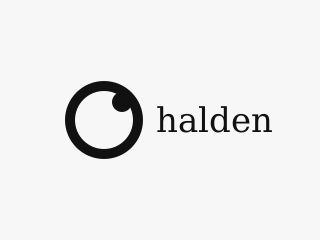

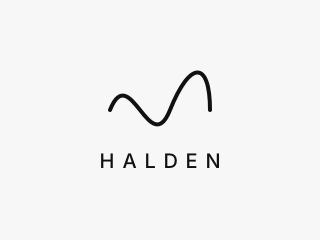
Shared direction
The group is leaning toward Line wave: its single continuous line is the most distinctive mark, and it can animate for the launch film. Ring and dot felt familiar, and Corner triangle needs a wordmark to work. [1–3]
Maya · Design
“The line wave. It's the only one I'd remember tomorrow.”
Jordan · Marketing
“Corner triangle dies without a wordmark. The wave is the one that works at every size.”
Alex · Product
“Ring and dot feels familiar. I keep thinking I've seen it on two fintech apps.”
Every response in the person's own words, with the stance the system read from it.
What we decided
Line wave goes into the next design round. Maya owns a heavier version for the 16px icon and favicon.
Owner: Dana, Leader
The outcome, with an owner, so “decided” means someone is doing something next.
One sentence on where the group stands, read from the responses themselves.
Names the one thing left, so a Decision never looks cleaner than it is.
Every response in the person's own words, with the stance the system read from it.
The outcome, with an owner, so “decided” means someone is doing something next.
A couple of minutes, from their phone, in the words they would have used in the meeting anyway.
A text or Slack message with the link, the question, and the deadline.
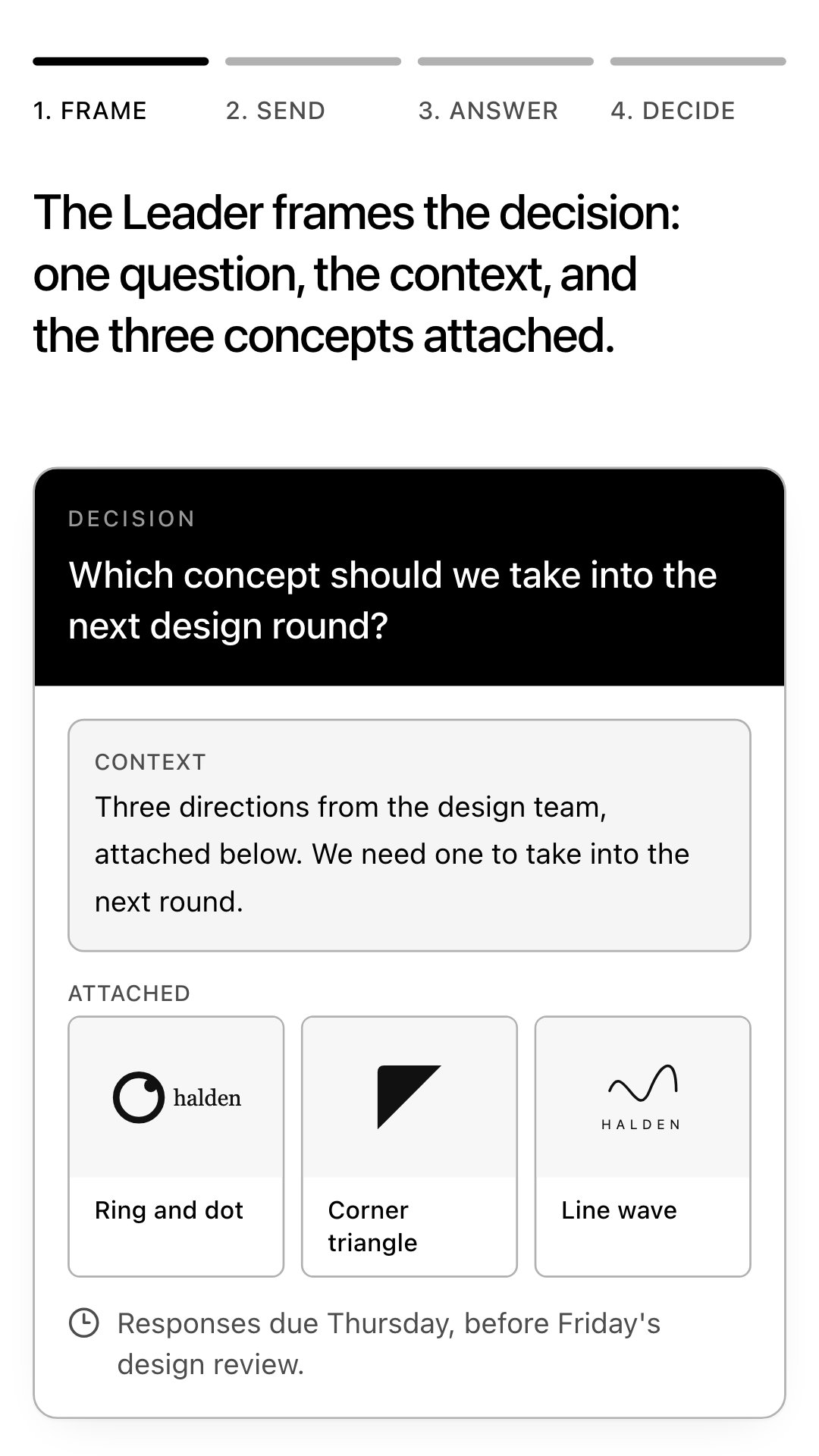
The question, the context, and the attached concepts. Then type, record audio, or record video.
A short confirmation. If the answer was unclear, one follow-up. Nothing counts until it’s understood.
Consensus Builder is in early access. Leave your name and email. Liam, the founder, reads every request and replies personally. Early access starts with a short call about a real decision your team needs to make.
Liam Lindner has been building software for 20 years, and co-founded a startup that grew to 100 people. About Consensus Builder
Make the Decision due before the meeting, and the meeting becomes the fallback.
During early access, we set up the Decision and its due time with you during onboarding. A Chrome extension for Google Calendar, which adds one button to the event editor and turns the invite into a Decision, is in development.
No. There is no account and no app to install. The link arrives in Slack, text, or email and opens a web page, where they answer in text, audio, or video.
Joining the early-access list is free. Pricing is not set yet, and any price will be published before anyone is asked to commit.
Use it with the meeting. Attach a Decision to the meeting, and everyone's input is due before it starts. If the Decision is closed, the meeting is canceled and everyone gets the outcome instead. If input is missing, the meeting stays on, and it starts from the answers already given, so the only topic left is the gap.
Nothing is lost. When a Decision is due before a meeting and input is still missing, the meeting stays on, and it starts from the answers already given.
That's up to you. When you create a Decision, you choose whether answers are shared with the group or come to you only. Either way, everyone gets the outcome when you close it.
No. It reads where each person stands, asks a follow-up when an answer is unclear, and shows you the Consensus view. Nothing closes on its own. It closes when you close it, or when a Member you trusted to close it does.
When the point is the conversation itself, not a decision: a conflict that involves trust or emotion, news people need to hear together, or creative work that builds in real time. Make the Meetings You Keep Worth Having covers how to run those.
Liam Lindner. The story of why is on the About page.